How do I fix high latency issues for remote users?

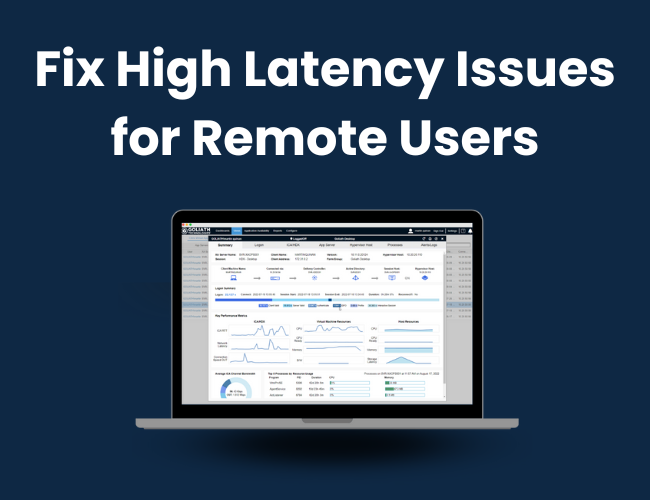
How do I fix high latency issues for remote users?

If you’re working remotely or managing remote teams, high latency can be a frustrating issue to deal with. High latency, also known as lag, is the delay between when a user inputs a command and when the server responds. High latency can make remote work slow and inefficient, making it difficult to get work done.

Here are some things you can try to fix high latency for a remote user:

1. Check the user’s internet connection

The first thing to check when dealing with high latency is the user’s internet connection. Ask the user to run a speed test to determine their internet speed. If their internet speed is slow, recommend that they contact their internet service provider (ISP) to troubleshoot the issue.

2. Use a wired connection

If the user is using a wireless connection, recommend that they switch to a wired connection to reduce latency. A wired connection can help to stabilize the connection and reduce packet loss.

3. Check the network

If the user is connecting to a network or server, check the network for any issues that may be causing high latency. This can include network congestion or router issues. You can use network monitoring tools to diagnose network problems.

4. Use a VPN

If the user is connecting to a remote server, consider using a VPN to encrypt the connection and reduce latency. A VPN can also help to improve security and privacy when accessing remote resources.

5. Adjust the user’s network settings

There are several network settings that can be adjusted to reduce latency. These include the network adapter settings, TCP/IP settings, and DNS settings. You can use the Command Prompt or PowerShell to modify these settings.

6. Upgrade the user’s hardware

If the user’s hardware is outdated or not powerful enough, it may be causing high latency. Consider upgrading the user’s hardware to improve their connection speed. This can include upgrading their router, network card, or computer hardware.

7. Use a different remote connection method

If the user is experiencing high latency when using a certain remote connection method, try using a different method, such as a different remote desktop software or a web-based remote connection tool. Different connection methods can have different performance characteristics, so it’s worth experimenting to find the one that works best for your users.

It’s important to note that fixing high latency can be a complex process, and may require help from a troubleshooting software like Goliath Technologies’ Performance Monitor.

In conclusion, high latency can be a frustrating issue when working remotely. However, by following the steps above, you can help to reduce latency and improve the remote work experience for your team. Remember to always prioritize the security and privacy of your remote connections, and seek professional assistance when necessary.

Goliath is Purpose-Built for Monitoring & Troubleshooting

  • Embedded intelligence and automation means you don’t have to be an expert to troubleshoot quickly
  • End-to-end visibility enables you to pinpoint the true root cause of end-user experience issues
  • Self-healing and remediation actions let you resolve issues before end users are impacted 
  • Industry-only experience metrics and reporting provide you with objective evidence of end-user experience

See why Citrix recommends Goliath

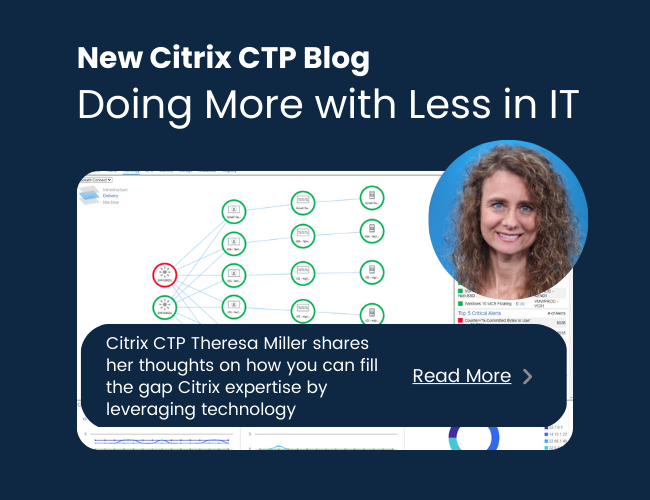
Doing more with less in IT, yes this impacts Citrix teams too!

Doing more with less in IT, yes this impacts Citrix teams too!

by Theresa Miller, Citrix CTP

If you work in a technology role, then it won’t be any surprise to you when I say organizations have pivoted from specialist IT job functions, such as Citrix only roles, to making sure the infrastructure team can support many workloads.  The adoption of cloud technologies has also created support for this approach because our infrastructure teams are doing less architecting and more application configuration and user work. So, with fewer specialized technical experts, and a general shortage of Citrix experts, maintaining a specialist approach is likely impossible. What are enterprises doing to cope?  Let’s take a closer look at how IT teams are doing more with less.

The Beginning of IT Teams doing more with less, started with Cloud

The pivot of Infrastructure teams needing to do more with less started several years ago when cloud adoption became more typical.  However, there was an inaccurate perception that just because an application was being deployed to the cloud that architects and administrators now suddenly had more time on their hands.  As a practitioner during this phase, my opinion on this is that it was very far from the reality. Whether I was deploying Citrix or another application, me and my teams were still busy adjusting to architecting in the cloud.  I did observe that even the large enterprise I was employed in at the time also transitioned from a specialist model (ex. Citrix teams, Microsoft Exchange teams, storage team, backup team, etc.) to a generalist model where everyone was expected to learn everything leaving a gap in specialist expertise.  There were of course some exceptions to pivoting to the generalist model, but this became more standard than in the past.

So why is this continuing to occur?

In my opinion, organizations are used to the cloud adoption strategy, but in 2021/2022 when the great resignation was in full gear, people were rapidly changing jobs for higher paying roles elsewhere and especially in the tech space.  The effect on organizations was a skills gap in technology roles because many people quit their jobs without new ones, leaving the teams that were left to do all the extra work in addition to their own.

What can be done to cope?

I have a few key takeaways for coping with this shift on your teams. It requires looking out for the employees that you do have on your teams and finding strategies that can automate and ease the intense workloads they were left with. Let’s break down some of the keyways for Citrix workloads, and for all IT applications as well:

  • Deploying tools that ensure the Citrix team and infrastructure team can function more agile, with more automation. Leveraging intelligent software for this use case not only provides the necessary data but can help correlate and interpret them as well. This likely means continuing to leverage cloud or hybrid deployment models for Citrix workloads and others as well.
  • Looking for out-of-the box ways to automate workflows and only leverage scripting where it makes sense, then removing the manual one. Scripting can be a great option, but the extra time to complete the work needs to be considered.
  • Leaders and their teams need to rethink and redevelop processes where possible, even between IT and the business. When bottlenecks occur because a process that is simple becomes overcomplicated, time can be lost.  For example, an organization that has a process that takes 8-10 weeks to evaluate and approve a new software vendor before a project can kick off is a process that should be re-evaluated.

While these are some critical ways to get the necessary shift in workload to ease the burden on our teams and avoid burnout, there are more.

Concluding thoughts

As we have made a pivot to fewer IT specialists (Citrix included) and more generalists, leaders should be looking for ways to support their teams with the right tools to automate their workloads and refine their processes. Augmenting the team with tools can help fill gaps due to fewer specialists.  Also, continue to deploy workloads through the cloud where it makes sense for your business needs, looking to consolidate tools so there is less to manage, and lastly, be sure to redevelop processes where IT and the business need to work together in a more expedited way.

Try Goliath For Free

Experience true end user experience monitoring and troubleshooting free for 30 days.

Goliath Launches Intelligent Cloud Monitoring Solution

Goliath Launches Intelligent Cloud Monitoring Solution

Goliath Technologies Launches Intelligent Cloud Monitoring Solution

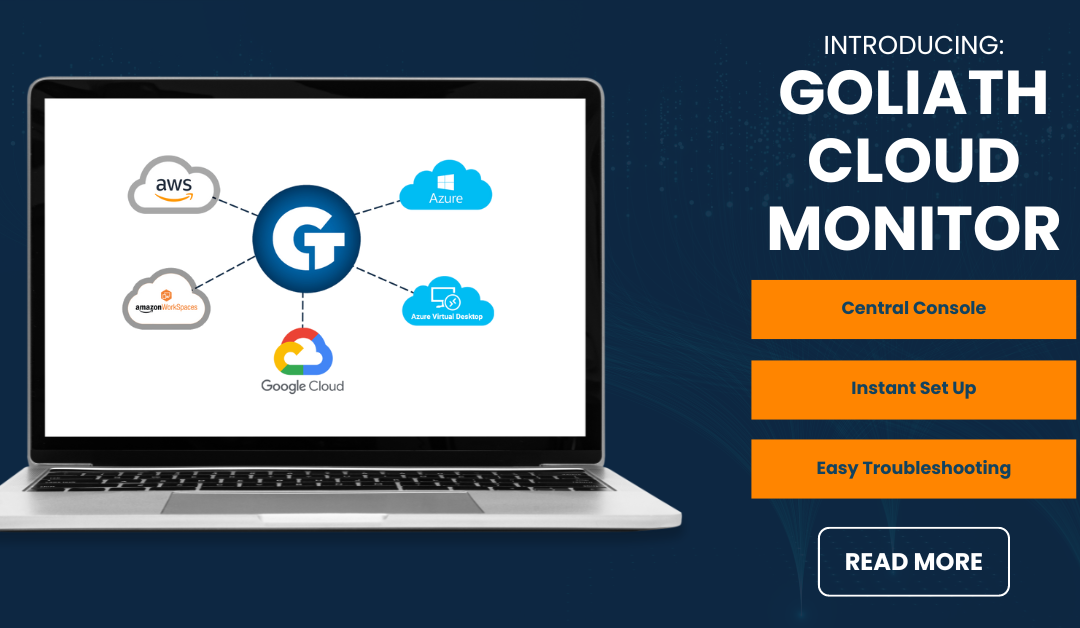
A SaaS-based platform that comes with embedded intelligence and automation to help IT professionals quickly and efficiently manage AWS and Azure cloud environments from a central dashboard. 

Philadelphia, PA – February 8, 2023 –Goliath Technologies, a leader in end-user experience monitoring and troubleshooting software, has today announced the launch of Goliath Cloud Monitor – a new cloud monitoring platform that provides centralized monitoring of AWS and Azure cloud environments from a single location. With 75% of organizations worldwide implementing a multi-cloud strategy, the market demand for effective cloud monitoring solutions has never been greater. 

Managing multiple cloud environments has become increasingly complex, so Goliath designed and launched a platform with ease-of-use in mind, that comes pre-built with embedded intelligence and smart policies. It automatically informs you as to what elements you should be monitoring and alerts you when performance thresholds are exceeded based on industry best practices, allowing you and your team to be operational in minutes. 

“The market opportunity for cloud monitoring solutions is enormous, as more and more organizations adopt multi-cloud strategies and seek ways to manage their complex cloud environments,” said Thomas Charlton, CEO of Goliath Technologies. “Recent investments in tools like Nerdio, who received a $107 million investment from Updata Partners, are a clear indication of the market’s growing interest in this space, and we’re excited to bring our innovative solution to market and help organizations better manage their cloud environment with confidence and ease.” 

Edgar Zacharjev, VP of Marketing at Goliath Technologies, added, “We believe that the future of cloud computing is multi-cloud, and our platform is designed to help organizations navigate this complex landscape with ease. With real-time insights and expert guidance built-in, our platform makes it easy for organizations to monitor their cloud environment and ensure optimal performance.” 

Goliath Technologies’ cloud monitoring platform is available immediately, and the company is offering a 14-day free trial to help customers get started. 

Get your 14-day free trial of Goliath Cloud Monitor here.


About Goliath Technologies
Goliath Technologies offers end-user experience monitoring and troubleshooting software, with embedded intelligence and automation, that enables IT pros to anticipate, troubleshoot, and document performance issues regardless of where workloads, applications, or users are located. By doing so, Goliath helps IT break out of reactive mode, and into proactive mode. Customers include Universal Health Services, NorthBay Healthcare, Enterprise Rent-A-Car, Penn National Insurance, American Airlines, Office Depot, Tech Mahindra, Pacific Life, Xerox, HCL, and others. Learn more about how we empower proactive IT at goliathtechnologies.com. 


Try Goliath For Free

Experience true end user experience monitoring and troubleshooting free for 30 days.